


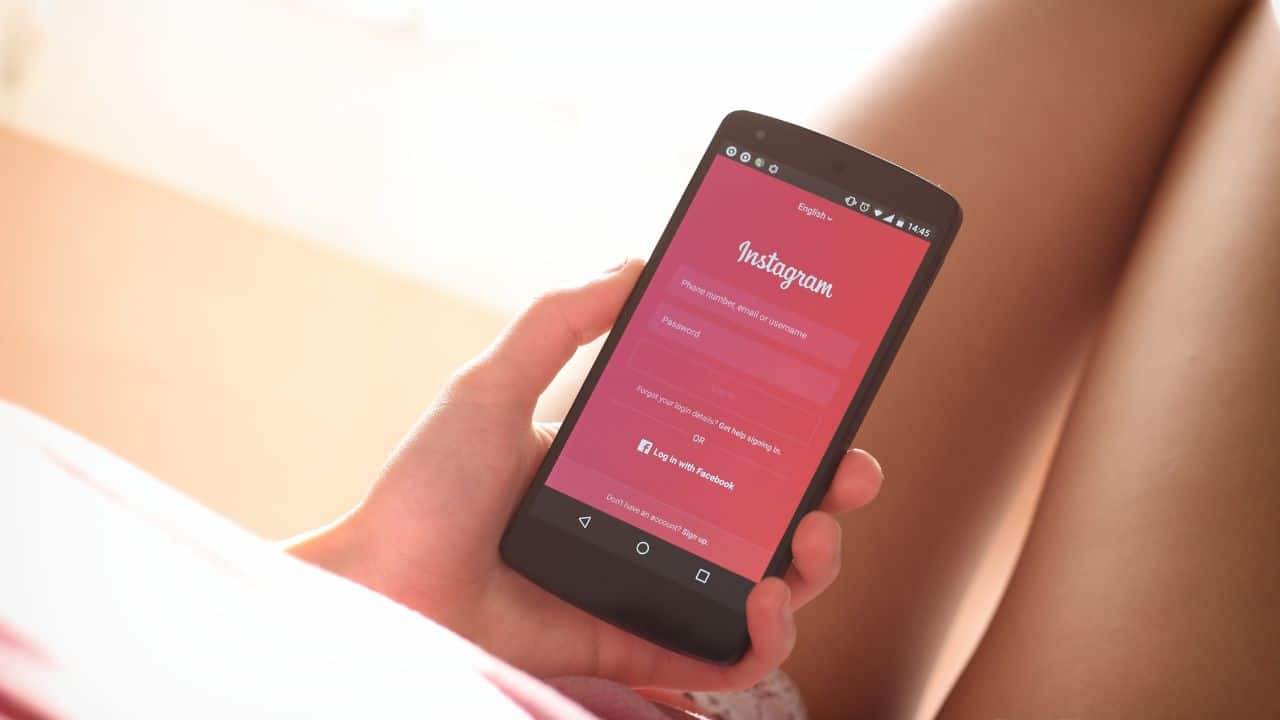
Instagram is one of the most popular social media platforms in the whole world, but recently users have been facing an error where Instagram keeps logging me out in 2022, find out how to fix the error on Android and iOS
You can simply choose to use Instagram on your web browser, or you can download the app for your smartphone.
Instagram Keeps Logging Me Out Error And Android And iOS Fix Explained December 2022
instagram keeps logging me out of my acc 😭 i changed my pw already but still cant login. anyone experiencing the same issue? is ig down or something? i cant be hacked right? 💀
— bora bora V bora 🍓 (@userthvyn) May 26, 2022
my instagram keeps logging me out pls 🎲
— ayo JIN BDAY BASH (@vminirls) December 1, 2022
@instagram keeps logging me out my account
— saintchristophers (@jeanmbossquiat) November 30, 2022
Owing to its large size, the algorithms behind the social network are always shifting, which can lead to certain issues.
Why Does Instagram Keeps Logging Out Error Occur
Recently many Instagram users have been facing an error where the app keeps logging out unexpectedly and redirects users to the login page. There are currently two main reasons behind this error:
- The error may arise when users have added several accounts to their Instagram app
- The error could be caused by bugs on the Instagram server
How to Fix ‘Instagram Keeps Logging Out’ Error
Since there is no particular reason behind the error, users will have to try out all the given solutions:
1. Update the Instagram App
The first step towards fixing the error would be to update the app, which could remove pending bugs and glitches. Instagram users should regularly check Google Play or the Apps Store for Instagram updates. Check out how to update the Instagram app on Android and iOS:
For Android
- Open the Play Store app on your device
- Type “Instagram” and tap on the search button
- Look for the “Update” button, which will appear if there’s an update available
- Click on it, and your app will get updated within seconds
For iOS
- On your iOS device, open the App Store
- Tap on the profile icon at the top of your screen
- On the next screen, you’ll see all the apps on your device that need the update
- In the list, find Instagram and tap on “Update.”
2. Restart Your Device
Sometimes the simplest of tricks like restarting your device can solve the issue. Restarting the device deletes all the background processors and bugs, which could solve the error.
3. Disable VPN
Instagram users who use a virtual private network (VPN) constantly get logged out of their accounts. As such, Instagram users who use VPN can simply choose to disable the VPN service on the device.
4. Use Only One Account On App
The more Instagram accounts a single user uses, the more the chances of getting banned from the platform. This is because the algorithm can interpret this as an odd sign. Users who have multiple Instagram accounts can choose to link their main Instagram account to their phone and use the computer to log in to the other accounts.
5. Change Your Instagram Password
Sometimes, when an Instagram users logs into their Instagram account on another device, their account from the original device may get logged out.
6. Uninstall and Reinstall the App
If any of the above solutions don’t work, users can simply choose to uninstall the app and install it again.
7. Contact Instagram Support
In case all other measures fail, the last option would be to finally reach out to Instagram’s support team. To do this, go to profile settings and click the “Help” button.