


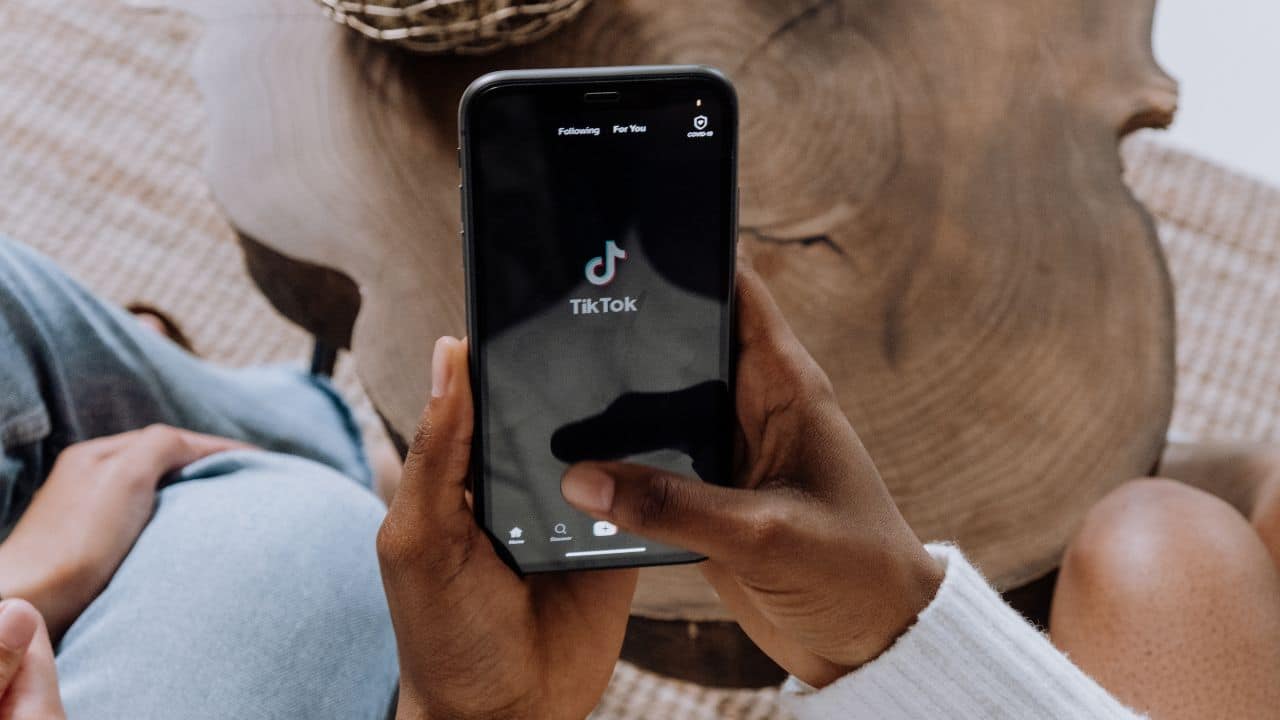
The video-sharing platform TikTok has lately been buzzing with Metaverse AI avatars as many are hopping on the trend, know their price and how to use
For those who are confused about getting these avatars, don’t fret, because here’s all the details that one needs to know about.
For those who are unaware about the metaverse AI avatars, let us tell you, lately many people have been uploading their selfies while using Anime avatars and AI avatars as they showcased stunning results.
How To Download The Metaverse AI Avatars, Price And How To Use On TikTok
For those who are confused, how they can get their metaverse AI avatars, let us tell you, one can get these avatars via using Lensa App. The app had garnered quite an attention ever since the AI avatars started swirling online.
If you also desire to transform your selfie into a marvelous avatars, just follow these simple steps:
First of all, download the app from the App store, later, Create an account in the app. The app provides a one-week free trial for first time users, in order to get their free trial, you can click on ‘Try Now,’ option and get it started.
After doing this much, just upload 10 to 20 selfies which you would like to change. Once the pictures have been uploaded, select your gender.
Followed by it, select the avatars that you want to use. However, don’t forget, you have to pay for the avatars you are using even if you are on a free trial.
After you’re done with it, tap on the ‘Purchase,’ option that appears on your screen.
A while later, the app will generate your AI, click on the smiley which will appear on the top left corner of the screen. Tap on your avatars to view your result.
Let us remind you once again, the app provides a 7-day free trial. However, it will also ask you to put down the details of your bank account or card.
Users have the choice to cancel the subscription anytime before or after their trial expires. Those who cancel the subscription before their trial expires, the app won’t charge you anything.
However, for those who wish to continue, they might have to pay a sum of $7.99 per month or $29.99 per year.
Let us remind you, the AI avatars aren’t free and a user has to pay a sum of $2 for 50 avatars, $3 for 100 avatars and $4 for 200 avatars.
For those who desire to get the manga avatars, they need to follow few simple steps such as:
Download the TikTok app, Create an account. If you already have an account then login, and open the camera on the video-sharing app.
Go to the left side of your screen and select the effect gallery. Click on the search option and type ‘AI Manga Filter.’
The filter will appear on the camera, you need to hold the button until the effect is applied to your picture, later you can either record a video or click picture.
ALSO READ: What Is Lensa App, How To Use It, Price And Mod APK Download Link