


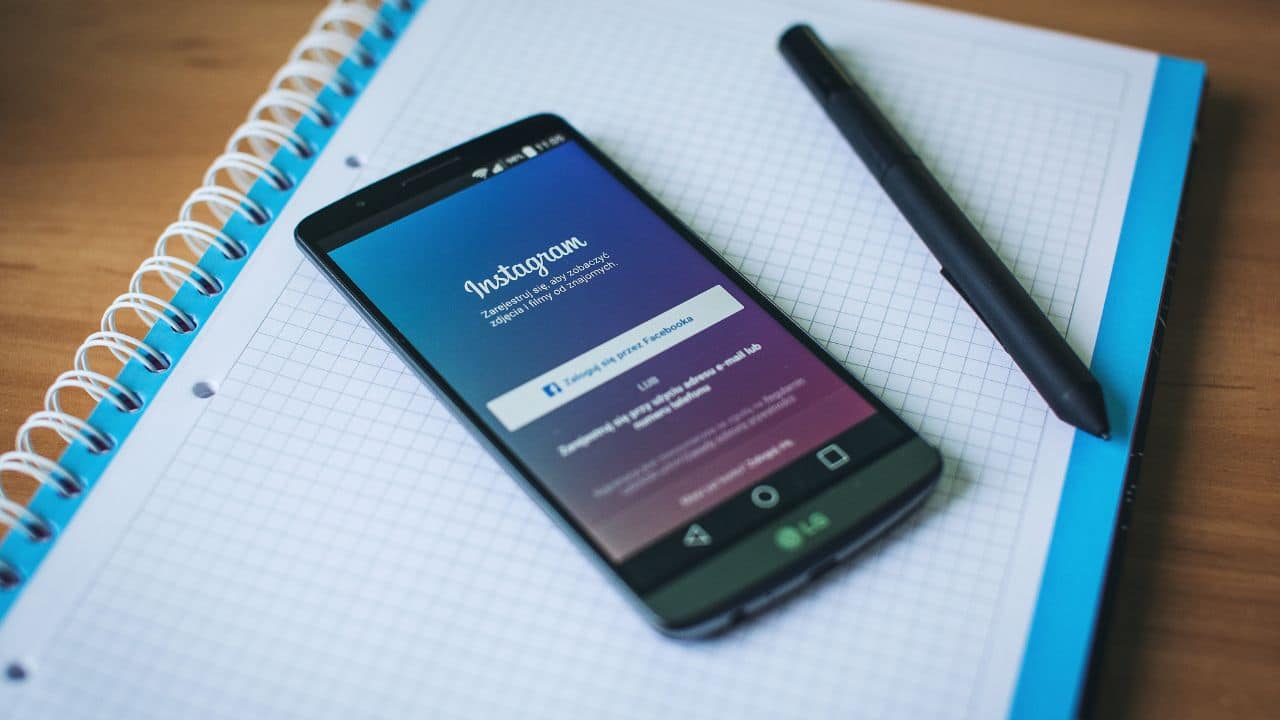
Instagram is not only the best social media platform to share pictures and videos, but it also allows its users to increase their visibility by letting them add links to an external website in their bios, know what to do if the bio link is not working in 2022
However, on Monday, October 17, several Platform users took to Twitter and flooded it with notes that the links in their bios aren’t working anymore.
Just a day ago, some of the users were seen complaining about their accounts being suspended despite not violating the Community guidelines of the platform.
Instagram Bio Link Is Not Working 2022 Error And How To Fix Problem
Although, the incident with the profile links on Instagram appears to be different. The links added to one’s Instagram bio allows other fellow users to access their personal and professional websites or work.
However, as of yesterday, the feature appears to be not working for some users, as they aren’t able to add any URLs to their profile.
While a few others are complaining that the existing links in their bios have disappeared altogether.
Usually, the platform notifies its users if it doesn’t allow them to include a certain link in their profile due to their Community Guidelines, but this doesn’t seem to be the case in this incident.
One disappointed user took to his Twitter and wrote, “I can’t add links in bio. I need some help asap @instagram”
Meanwhile, another expressed, “It’s just a glitch across the entirety of Instagram today. It’s happening to a variety of links.”
A third one penned, “Instagram won’t let me add links to my account. Bro I am going to cry.”
Another one tweeted, “Instagram removed my link in bio and doesn’t let me add it back. It says “ We’re sorry but something went wrong” very frustrating.”
Following that another one requested, “@instagram links aren’t working in our bios – please fix??”
For those who are unaware how to add links in their bios, let us tell you, you can add links of other websites to your Instagram by following these few simple steps:
First of all, tap on your profile picture and navigate to your profile. After that, select the Edit Profile option on the top of your screen and then choose Bio.
Later, you can add a few lines to fill your bio followed by the URL to any website you would like to display on your profile.
After that you need to tap on the Done option in order to complete it.
As of now, the platform hasn’t addressed the issue. However, it seems like a temporary glitch and there are a few possible ways to fixe it as:
First of all you need to ensure that the Instagram app on your device is updated to its latest version.
If it is not, just update it and try adding the link to your profile with an uninterrupted Internet connection.
If it still isn’t working, try to delete or clear the cache if any present in your Instagram. After doing so, just log out once and then login back to verify your bio link.
ALSO READ: Hess Truck 2022 Holiday Season Release Date, Collection, Plush Toy Price, Where To Buy